Multi-client consultant
For consultancies delivering to several client organisations under one licence, each kept separate.
Who It’s For
For consultants
NZC AI and ESG AI are built for the analysis and reporting that energy, carbon, building and ESG consultants deliver every week — so more of the fee goes into judgement rather than repetition.
Who it’s for
What you get
Work through client documents, surveys and datasets without reading every page from scratch.
Apply the same output structure across engagements so quality does not depend on who drafts it.
Process multi-asset instructions at portfolio scale rather than asset by asset.
Keep the workflows your practice relies on and reuse them on the next instruction.
Produce outputs tailored to each client while keeping engagements separated.
Licence individual consultants or a whole delivery team.
Structured onboarding so a team is productive on the workflows that matter to them.
Where applicable, work alongside portfolio data already held in NZC Portal.
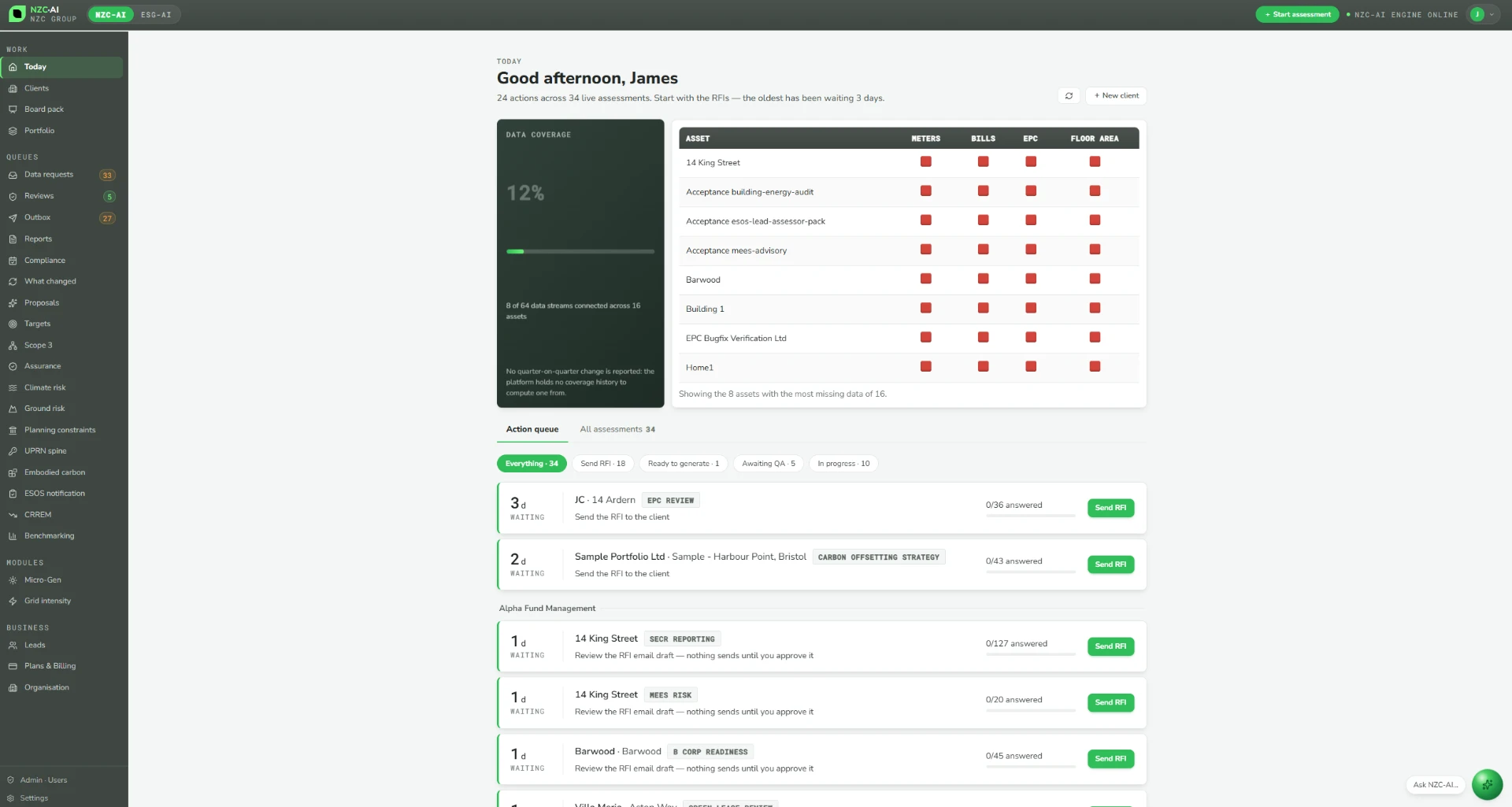
Create and manage several client organisations under one consultancy licence, kept separate from each other.
A solar PV design system for feasibility work and client proposals.
Report production
One workflow carries an instruction from data request to issued report, with the evidence and review trail retained at each step.
Step 1
Issue a request for information to the client, setting out exactly which data and evidence the engagement needs.
Step 2
The client supplies data and documents through their own portal, and uploaded evidence populates the correct fields.
Step 3
Deterministic calculation engines produce the figures from the accepted evidence.
Step 4
The report is drafted in the practice's structure, with each figure traceable to its evidence.
Step 5
The draft is reviewed inside the workflow, with corrections and send-backs recorded.
Step 6
The report is issued under the consultancy's own qualified sign-off — an accredited energy assessor for EPCs, an ESOS Lead Assessor for ESOS.
Practice management
Licences
For consultancies delivering to several client organisations under one licence, each kept separate.
For a consultant working with one company, or an in-house team acting for its own organisation.
For a client organisation with multiple named users working on its own portfolio and reporting.
Licence terms are agreed per practice based on team size and scope. Consultant licences are £250 per month; see pricing for the full picture.
Interface